Highlights
Multi-Product SaaS Platform
Design System Architecture
Composable Component Model
Governance & Adoption
Accessibility by Design
Engineering Alignment
Cross-Functional Leadership
Scalable System Foundations
Overview
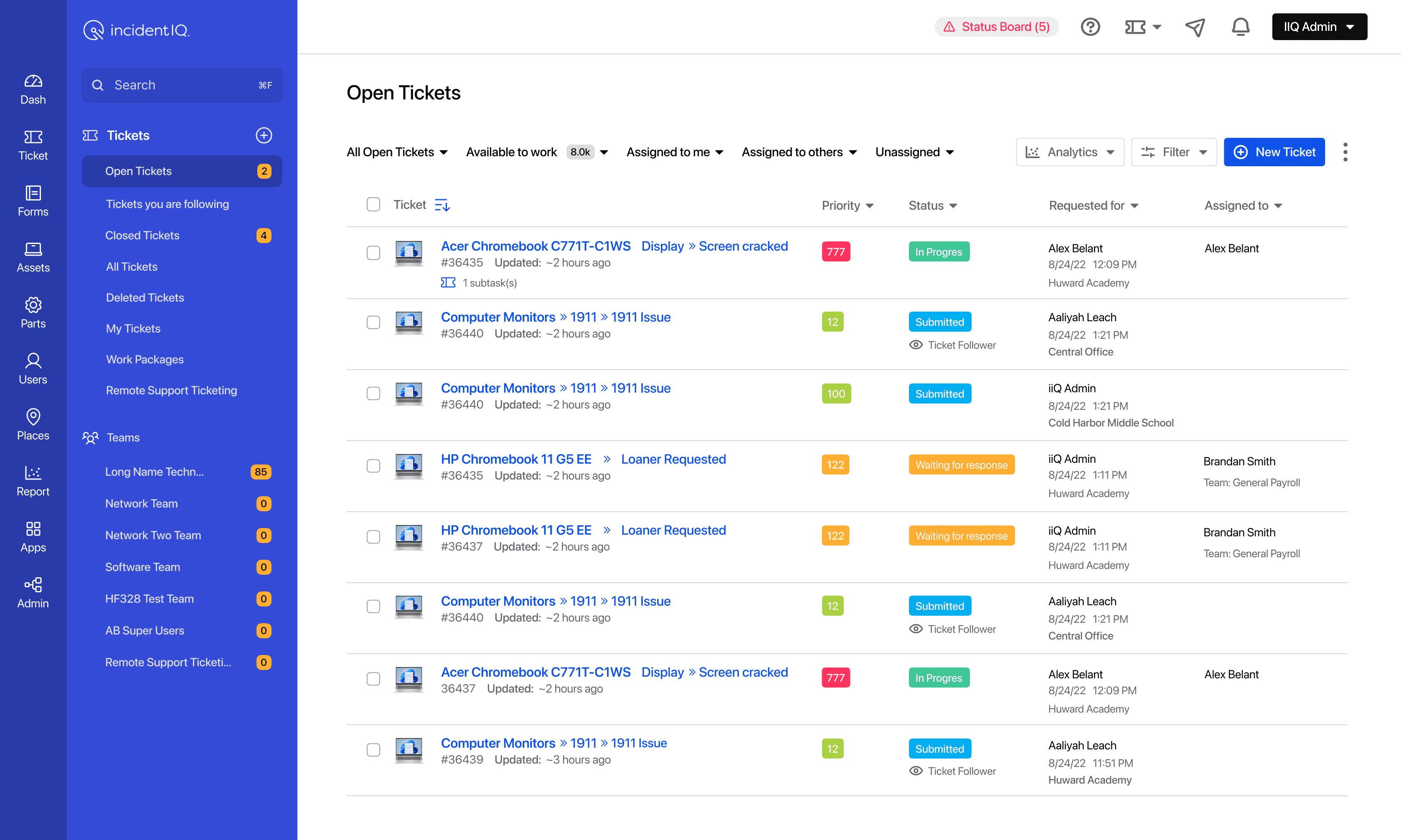
One of the most complex design system initiatives I led at Incident IQ was the creation of a reusable grid ecosystem.
At first glance, it looks like a table component.
In reality, it was an architecture, governance, accessibility, and scale problem.
Incident IQ serves multiple SaaS products including IT Service Management, Asset Management, Facilities, Event Management, Human Resources, and Inventory Management.
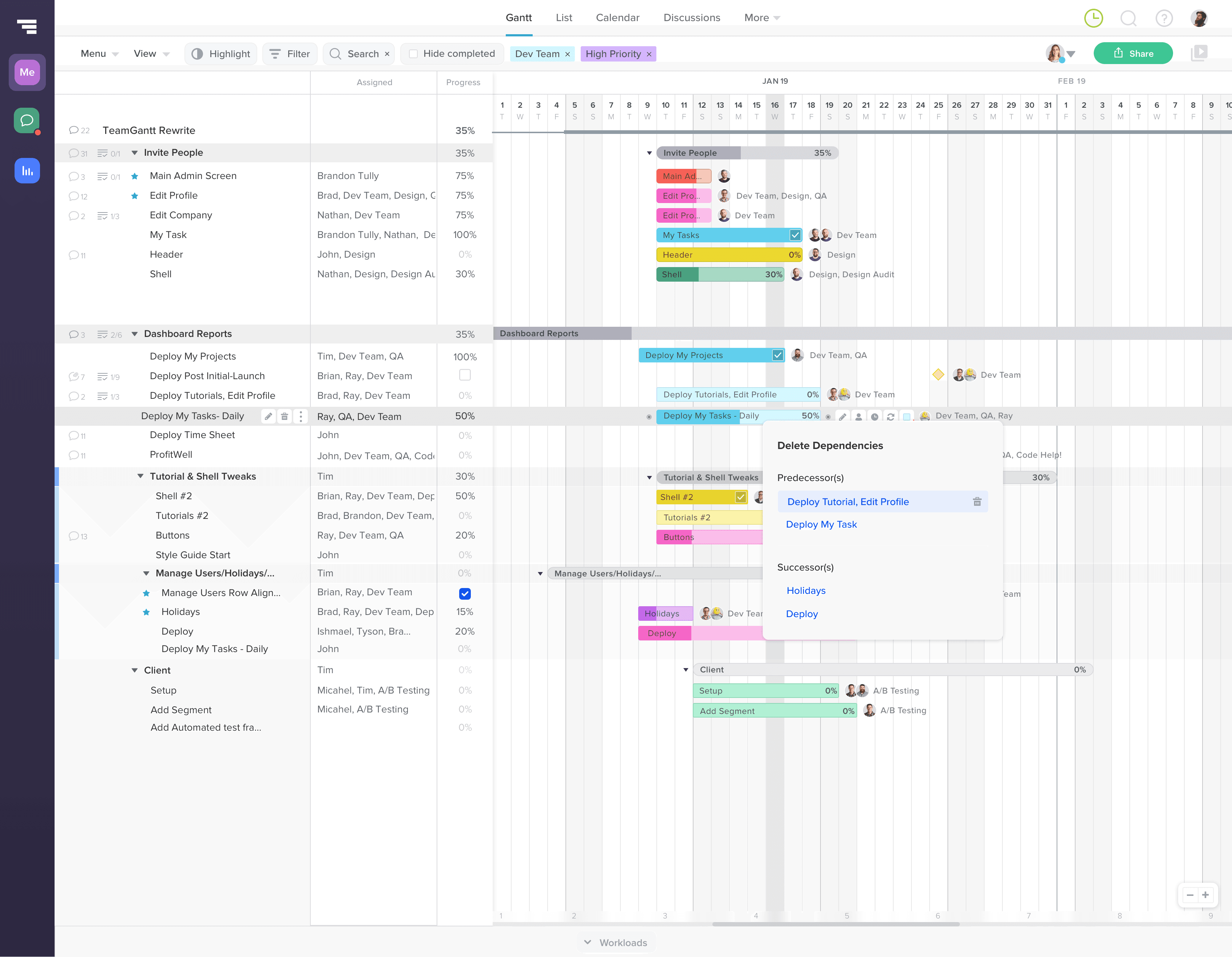
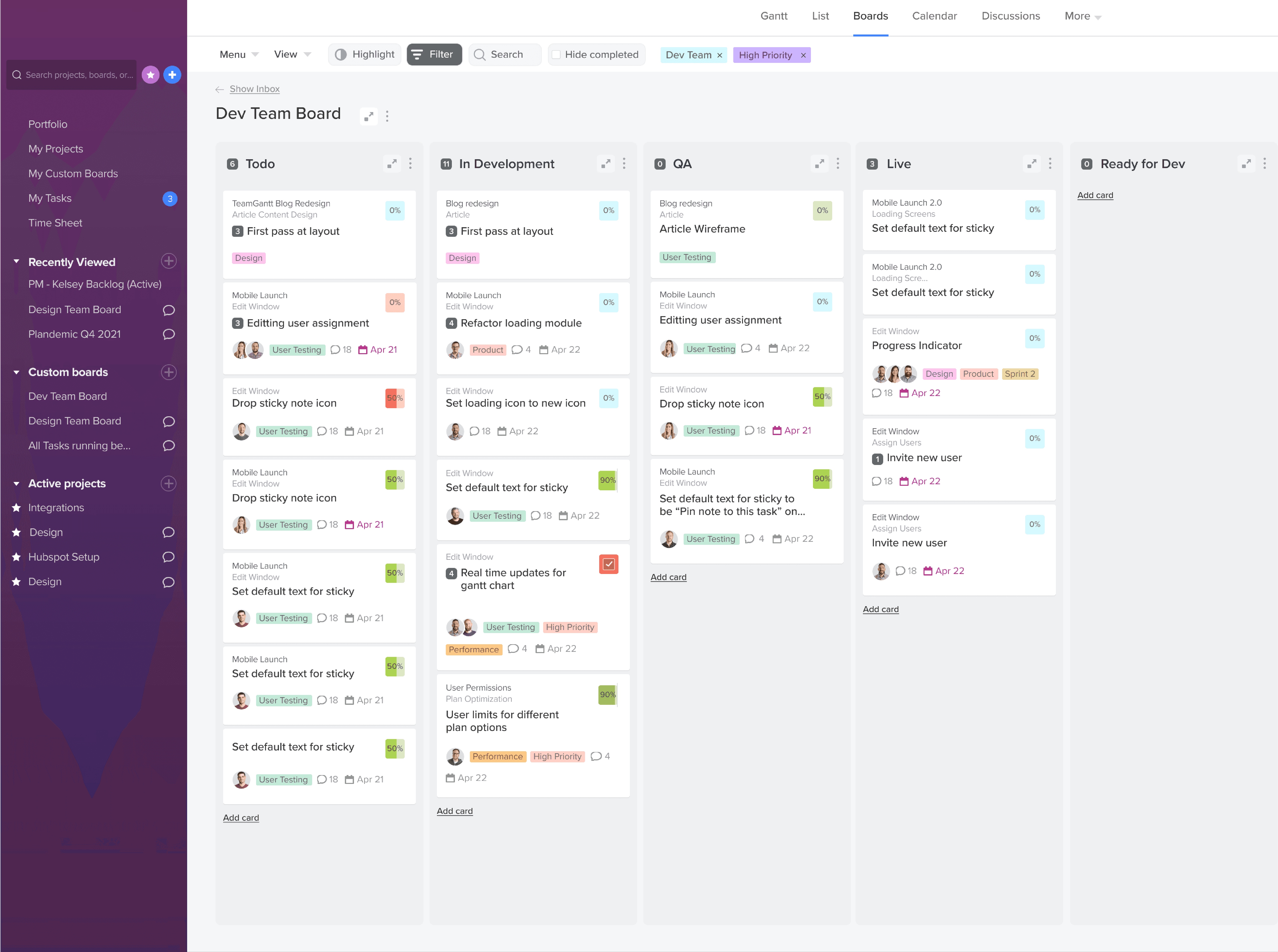
Nearly every workflow across the platform depended on displaying, filtering, managing, and acting on large amounts of data.
The challenge wasn’t designing a better table.
The challenge was determining what belonged in a reusable system and what belonged in product-specific implementations.
The work required close collaboration across Product, Engineering, UX, QA, and Accessibility while balancing flexibility, consistency, performance, maintainability, and scale.
The problem
As the platform expanded, individual product teams developed their own approaches to displaying data.
Different modules required:
Different columns
Different actions
Different filters
Different row states
Different workflows
Teams naturally optimized for their immediate product needs. Over time, this created inconsistency across the platform.
The same interaction patterns behaved differently from module to module.
Engineering maintained multiple implementations.
Accessibility behavior varied.
Design and engineering repeatedly solved similar problems in different ways.
The organization eventually reached a decision point:
Do we continue building specialized grids for every use case?
Or do we create a reusable architecture capable of supporting the majority of product needs?

The Challenge
The hardest part wasn’t designing the component.
The hardest part was determining where flexibility should exist.
Every team believed their requirements were unique.
Some teams needed:
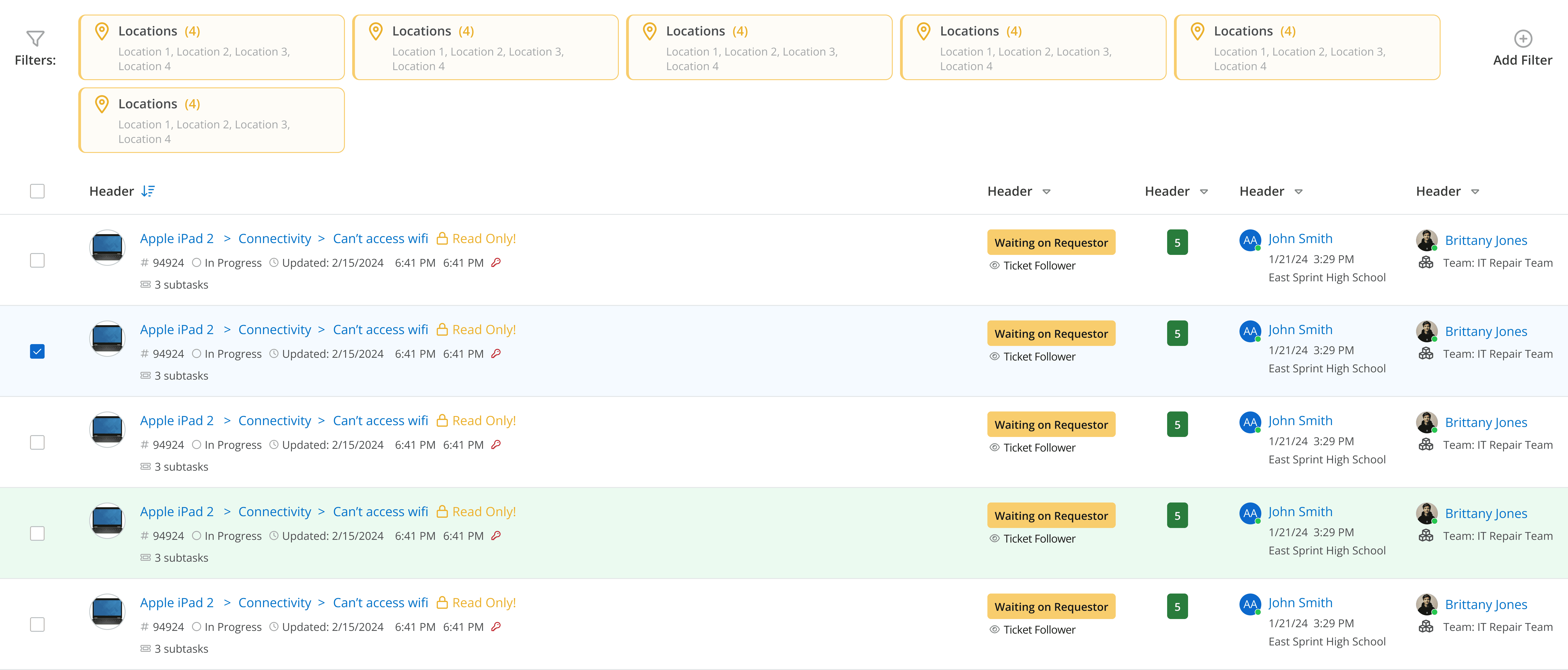
Bulk actions
Expandable rows
Status indicators
Permissions
Inline actions
Specialized workflows
Many of those requests were valid.
The challenge was determining which needs represented reusable platform patterns and which represented product-specific workflows.
If we attempted to support every request directly within a single component, the system would become increasingly complex, difficult to maintain, difficult to test, and difficult to adopt.
If we made the system too rigid, teams would bypass it entirely.
The challenge was finding the balance between flexibility and consistency.
The Approach
Rather than building a single monolithic grid component, we created a composable architecture.
This became one of the most important decisions in the project.
A monolithic component would have centralized functionality, but every new request would increase complexity, expand testing requirements, and create additional maintenance overhead.
Instead, we focused on composition.
The goal was creating reusable building blocks that could be assembled to solve different product needs without requiring entirely new implementations.
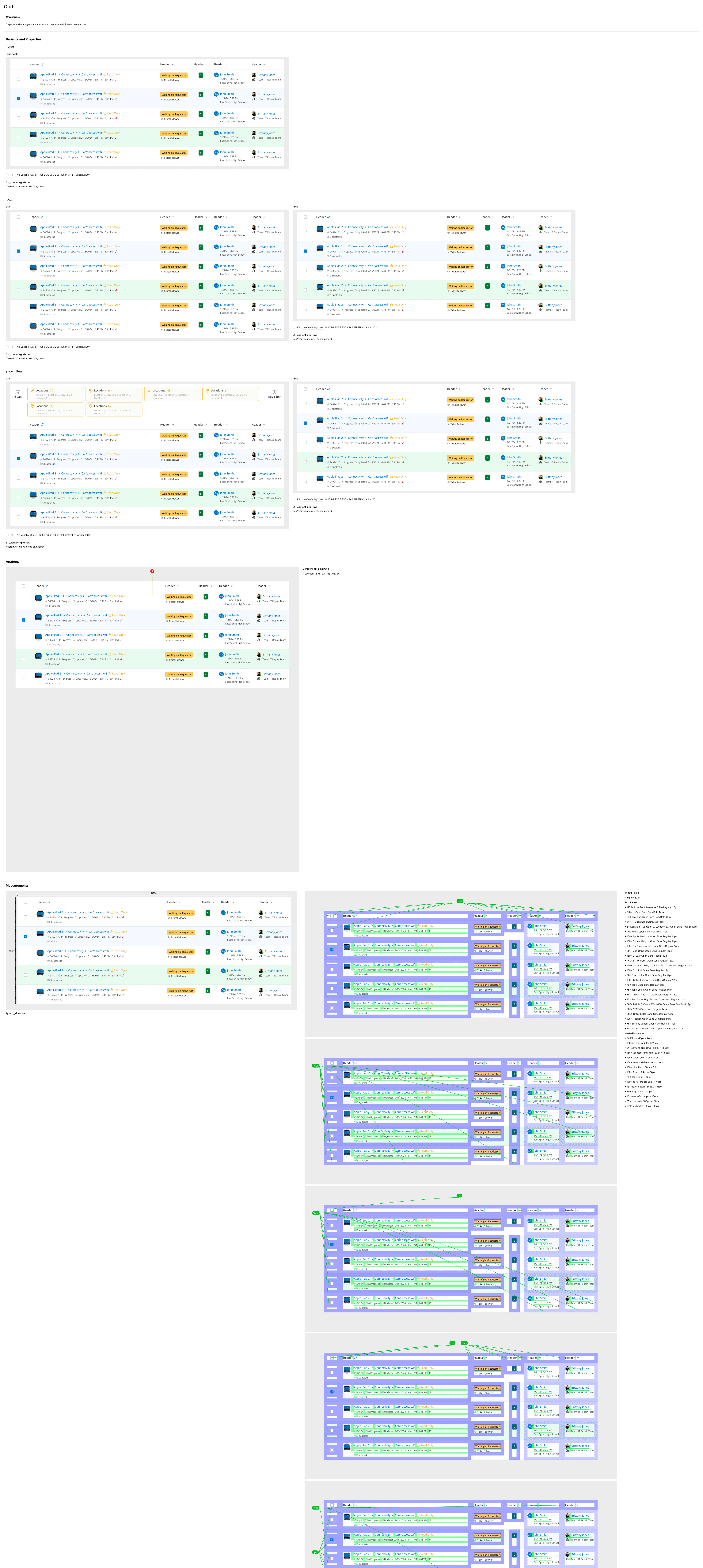
Grid
The Grid component acted as the parent orchestration layer.
Responsibilities included:
Layout structure
Sorting
Filtering
Pagination
Selection management
Bulk actions
Shared behaviors
This established a consistent foundation across products.
Composable Architecture

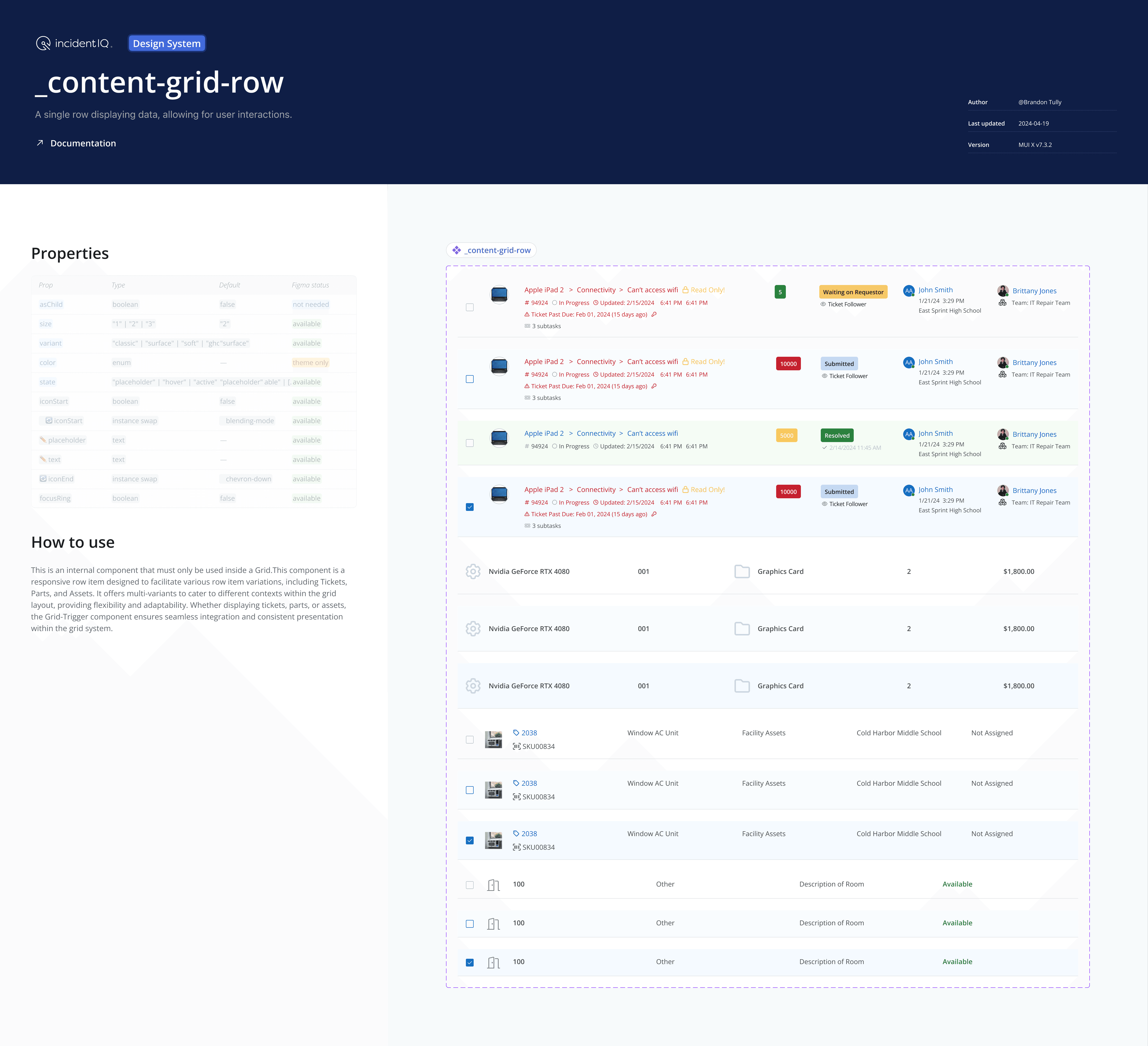
Grid Row
The Row component handled row-level interactions.
Responsibilities included:
Hover states
Selected states
Row actions
Permission-based behaviors
Expandable content
Navigation patterns
This ensured interaction behaviors remained consistent regardless of module.
Grid Cell
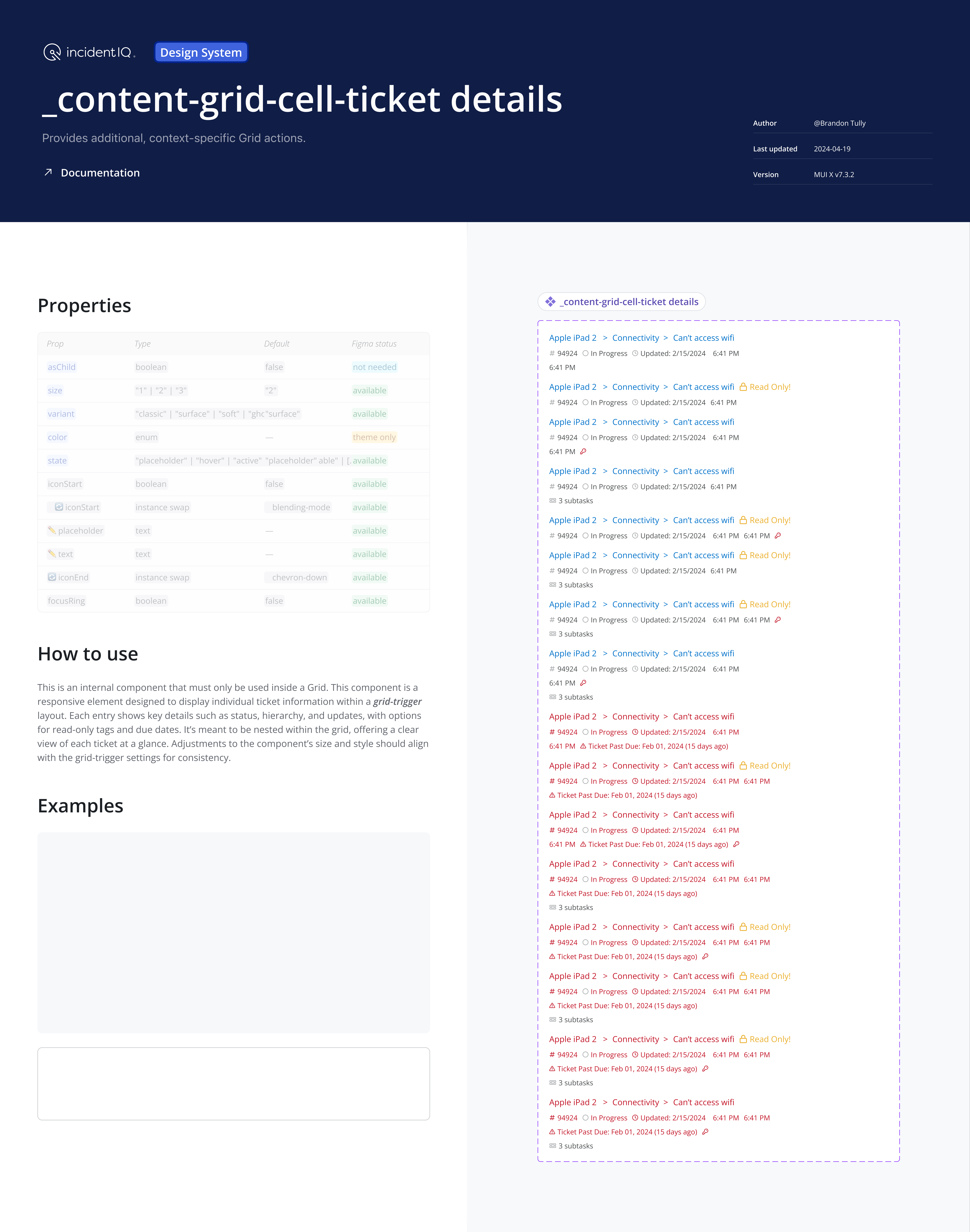
Cells became reusable building blocks rather than product-specific implementations.
Examples included:
Detail cells
Status cells
Header cells
Filter cells
Action cells
Rather than creating entirely new grids, teams could compose experiences using existing building blocks.
This significantly reduced duplicate implementations while preserving flexibility.
Cross-Functional Collaboration
Product
Product teams helped identify common workflows across modules.
Many discussions centered around determining whether a request represented a reusable platform pattern or a product-specific exception.
This helped separate true system opportunities from local optimization.
Engineering
Engineering partnership was critical throughout the project.
Rather than designing the architecture independently and handing it off later, engineering participated in defining the architecture itself.
Together we aligned on:
State management
Permission behaviors
Expansion patterns
Interaction models
Accessibility requirements
Implementation boundaries
This prevented design and engineering from developing different mental models of the same component.
It also reduced downstream rework and implementation friction.
Accessibility
Accessibility was treated as an architectural requirement rather than a validation step.
Requirements were defined as part of the system itself.
The grid ecosystem supported:
Keyboard navigation
Focus management
Sort announcements
Selection announcements
Screen reader compatibility
Consistent interaction patterns
Accessibility became part of the architecture instead of something applied later.
Key Tradeoffs
Flexibility vs Consistency
Teams wanted flexibility.
The platform needed consistency.
Our goal was creating enough flexibility to support legitimate product needs while maintaining shared patterns and behaviors.
Reuse vs Customization
Every request was evaluated through the same framework:
Reuse an existing pattern
Extend an existing pattern
Create something new
Creating something new was always the last option.
Simplicity vs Capability
The easiest path would have been adding more configuration options for every request.
We intentionally avoided that approach.
Over time, excessive configuration creates components that become difficult to understand, maintain, test, and adopt.
Instead, we kept the architecture simple and relied on composition whenever possible.
This preserved flexibility without creating unnecessary complexity.
Decision Framework
When evaluating requests, I consistently asked:
Is this solving a reusable problem?
Will multiple teams benefit?
Does it improve consistency?
Does it reduce implementation effort?
Can composition solve the problem before introducing something new?
This framework helped prevent unnecessary fragmentation while allowing the system to evolve.
It also created a shared decision-making model across Product, Engineering, and Design.
Measuring Success
Success wasn’t measured by component count.
We focused on broader system outcomes.
Signals included:
Increased component reuse
Reduced duplicate implementations
Improved consistency across modules
Accessibility alignment
Reduced design and engineering rework
Faster implementation cycles
More predictable delivery
These indicators helped us understand whether teams were adopting the system or working around it.
Outcomes
The grid ecosystem became a foundational part of the broader design system strategy.
Its impact extended far beyond a single component.
Benefits included:
Increased component reuse
Reduced duplicate solutions
Improved consistency across modules
Better accessibility alignment
Faster implementation for engineering
More predictable delivery